Through the glasses
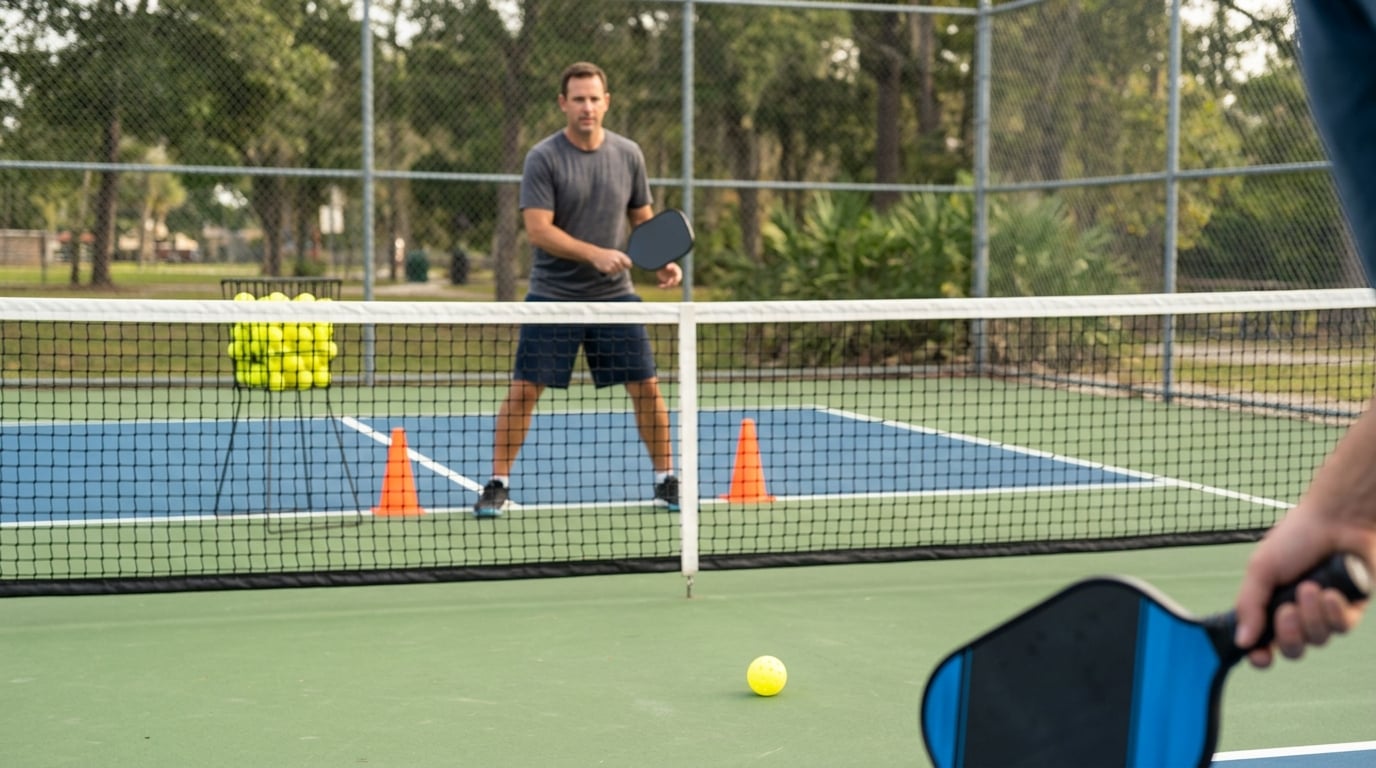
This is what an athlete sees while they play.
One calm coaching cue floats in the corner of their vision — never in the way. The display is additive, so black is invisible and only the bright text and lines actually glow on the lens. Everything below is the real LensSports display running live.
LENSSPORTS
Pickleball
Live Coaching
Session
Study Plan
Ready Position
Paddle up, chest high
Cuts reaction time on the return
00:00Cue 1/40 reps
Next cue
Pause session
◀ ▶ Panel▲ ▼ Focus⊕ Select⎋ Back
Simulated lens overlay
Note: the cue is enlarged here so you can read it on a monitor. On the real Ray-Ban Display it sits small and crisp in the lower corner of one lens.
LENSSPORTS
Pickleball
Live Coaching
Session
Study Plan
Ready Position
Paddle up, chest high
Cuts reaction time on the return
00:00Cue 1/40 reps
Next cue
Pause session
◀ ▶ Panel▲ ▼ Focus⊕ Select⎋ Back
The actual display — try it
This is the real 600×600 screen we’d load onto the glasses. Click it, then use your keyboard the same way the Neural Band pinch works on the glasses:
- ◀ ▶ switch panels (Coaching / Session / Study Plan)
- ▲ ▼ move the highlight
- Enter select
- Esc back
To see this on real hardware later: in the Meta AI app turn on Developer Mode, open App Connections → Web Apps, and add our address. That full-screen link above is exactly what you’d register.